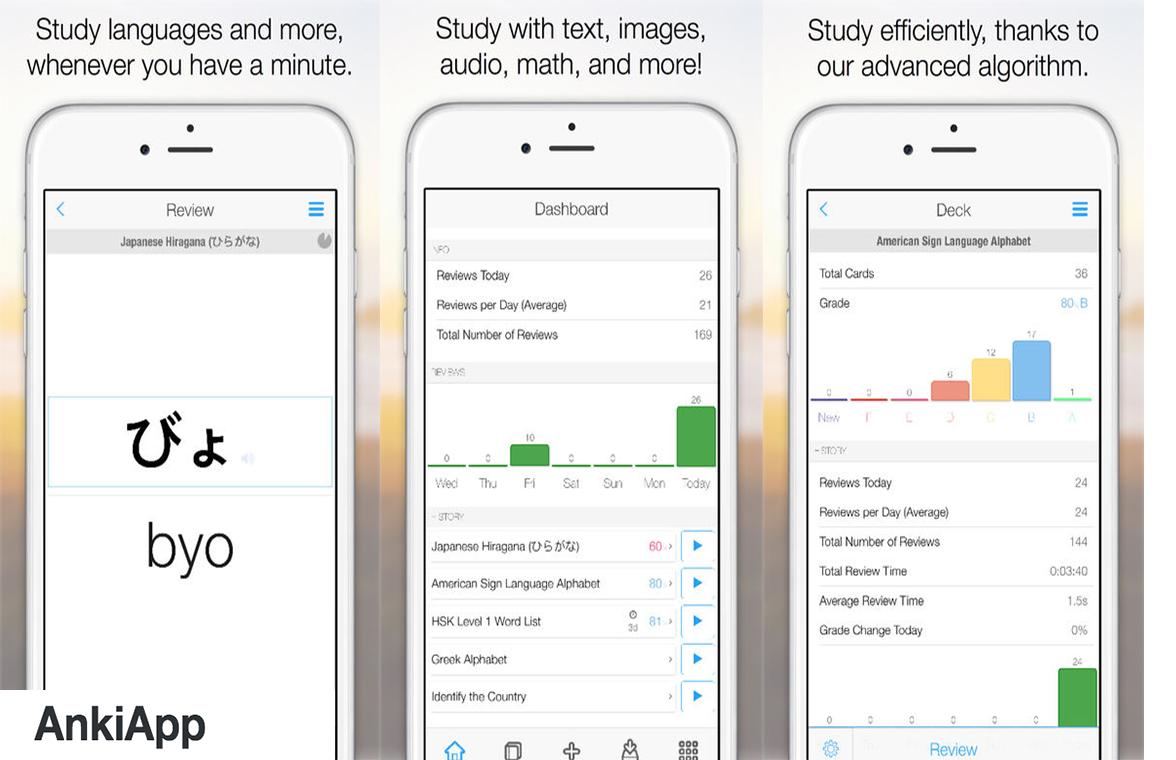
Anki is a free downloadable program that will allow you to make your own flashcards that you can use to quiz yourself to study for an exam.  Make flashcards with text, sound, and images, or download pre-made ones. Studying is super efficient, thanks to the powerful AnkiApp Advanced Spaced Repetition™ (SRS) algorithm. AnkiApp automatically performs backups and syncs to all your devices, via the cloud.


Download the web app here
 

  • Resources

    Name Description Status Source
    How to Make Anki Cards from Lectures/Videos Suggested www.youtube.com Edit How to Make Anki Cards from Lectures/Videos Delete How to Make Anki Cards from Lectures/Videos
    Frameworks of Understanding Required Frameworks of Understanding Templates (2).docx Edit Frameworks of Understanding Delete Frameworks of Understanding
    How to Study Effectively with Flash Cards Suggested www.youtube.com Edit How to Study Effectively with Flash Cards Delete How to Study Effectively with Flash Cards
    While focused on a reorder icon, press the Enter key or spacebar to "select" the icon. While a reorder icon is selected, pressing the up and down arrows will change the order of the selected item within the list. Pressing Enter key or spacebar again will drop the selected item at that location in the list.
While focused on a reorder icon, press the Enter key or spacebar to "select" the icon. While a reorder icon is selected, pressing the up and down arrows will change the order of the selected item within the list. Pressing Enter key or spacebar again will drop the selected item at that location in the list.
Edit the following settings for all selected Resources.
Select a start and end date and time
Start: Start:
End: End: